Docs - Getting started
Getting started with ZUQ
In short
ZUQ turns a plain-words description, or a document you hand over, into a narrated, animated video. This guide takes you from the home page to your first finished video in your library.
Updated
You need a ZUQ account and a current browser. The Free plan includes 10 minutes of video a month, with each video up to 10 minutes long and watermarked, so you can try every step below without paying.
Sign in
Every video belongs to an account, so the first step is to sign in or create one.
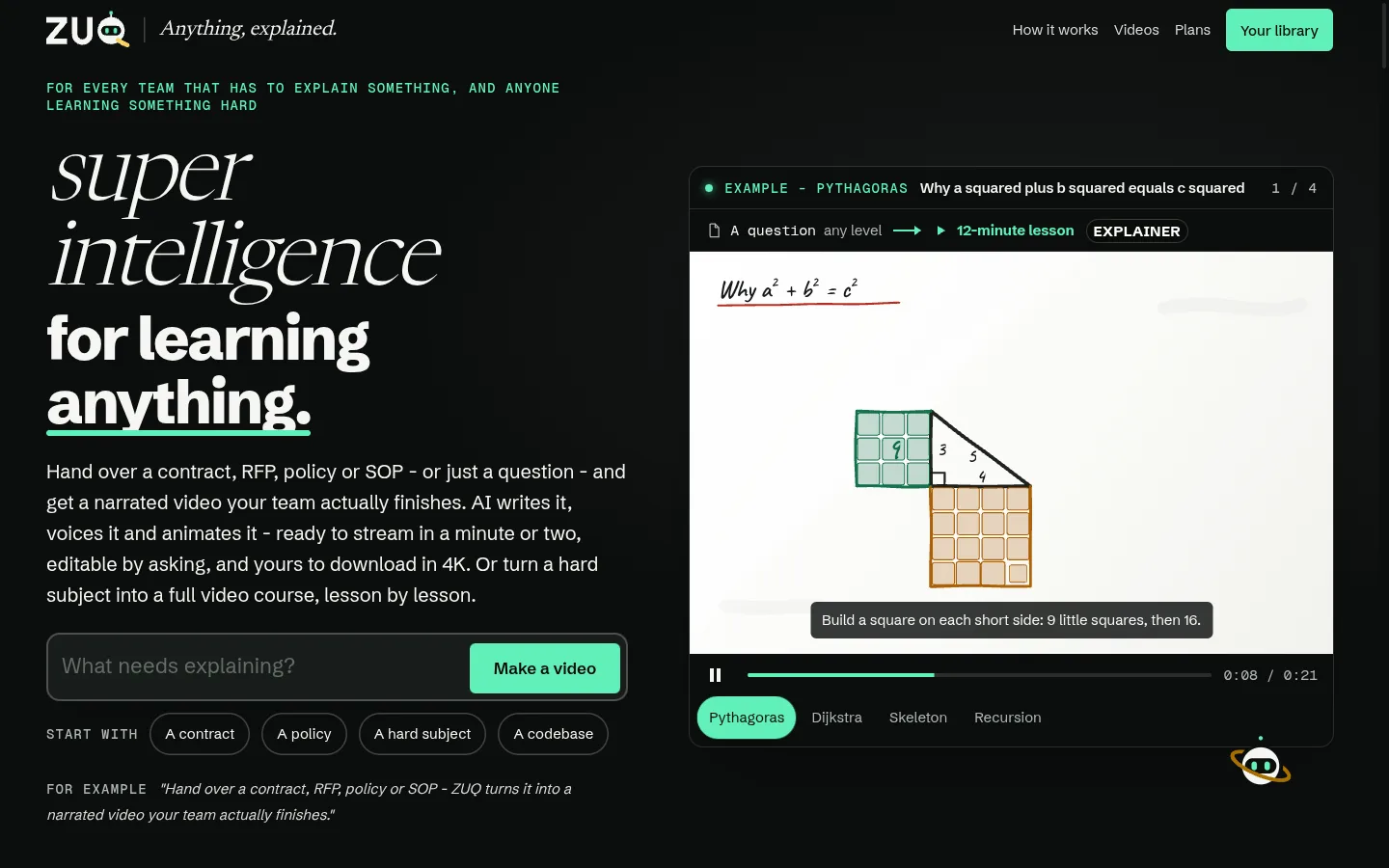
- Open zuq.si in your browser.
- Choose Sign in at the top right of the page.
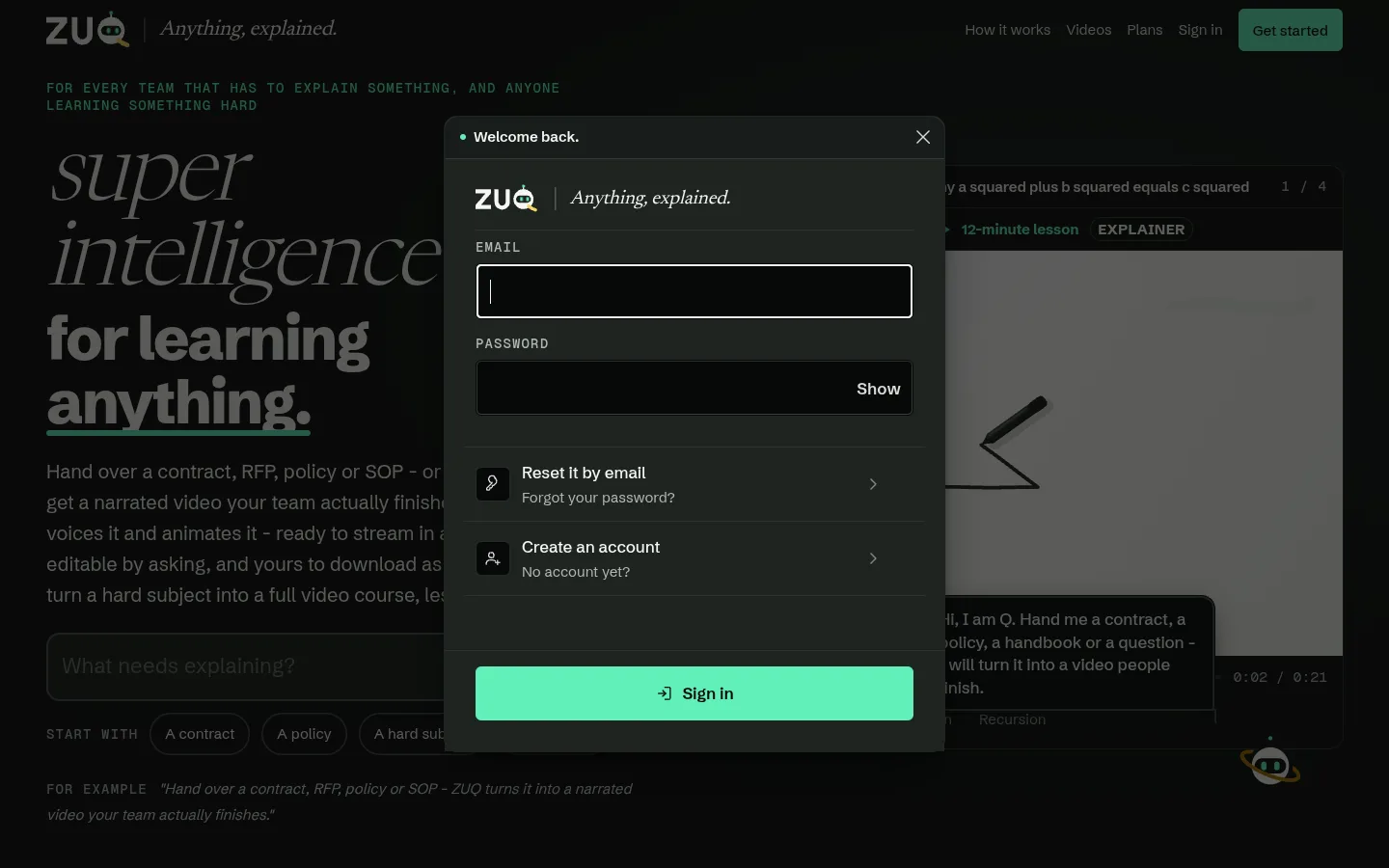
- Sign in with your email address, or create an account if you do not have one yet.
- Open the verification email ZUQ sends you and confirm your address. You need a verified address before you can build a video.
Describe, tune and make
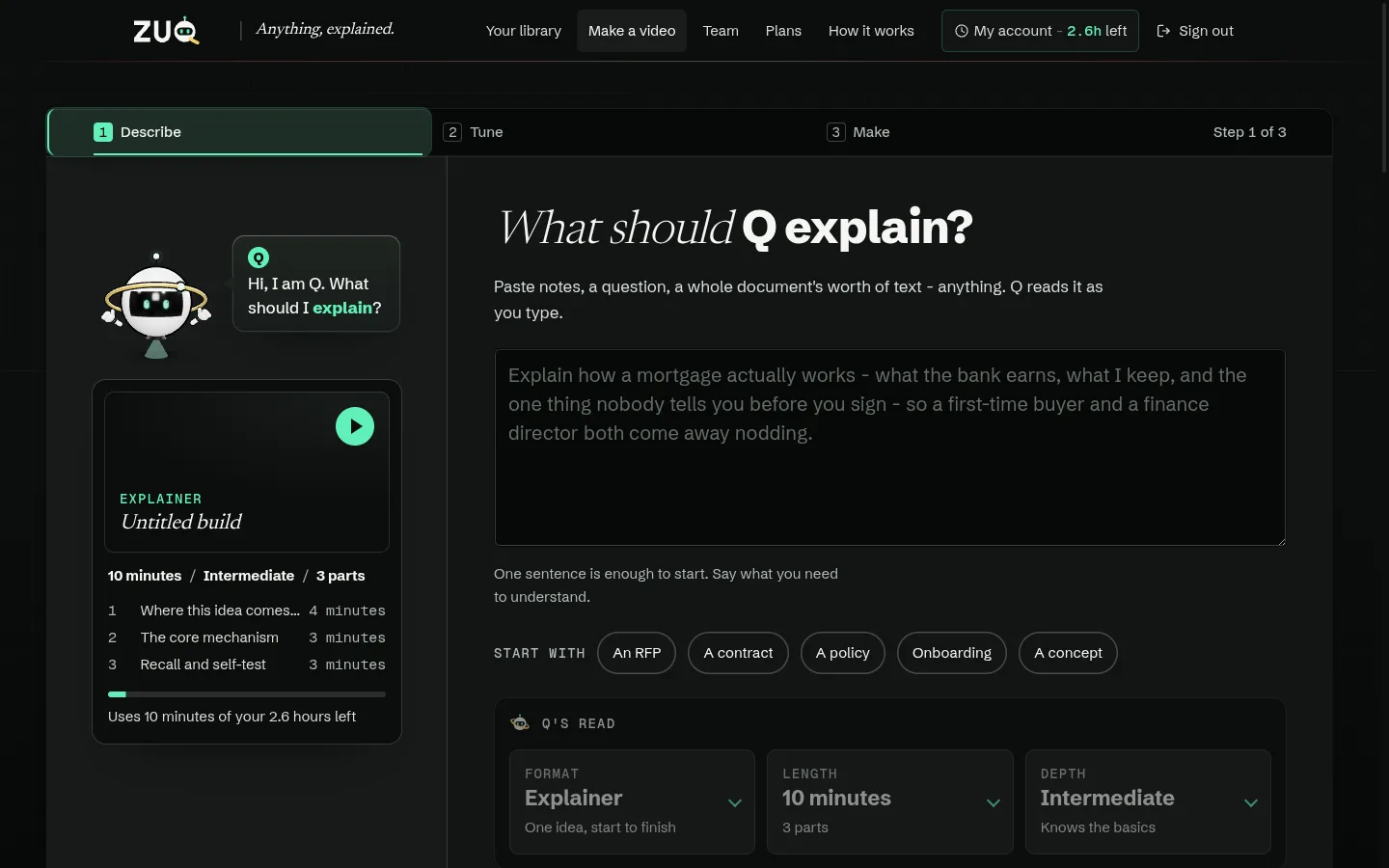
The composer walks you through three steps. A training course adds two more before Make: Material, where a paid plan can upload study material, and Plan, where you review the lesson plan before anything is built.
- On Describe, say what needs explaining in plain words. One sentence is enough.
- On Tune, answer a few quick questions. Each already has an answer picked, so you can accept the picks for the rest.
- On Make, check the title, the length, the depth and the minutes it will use, then press Make.
Find your video in the library
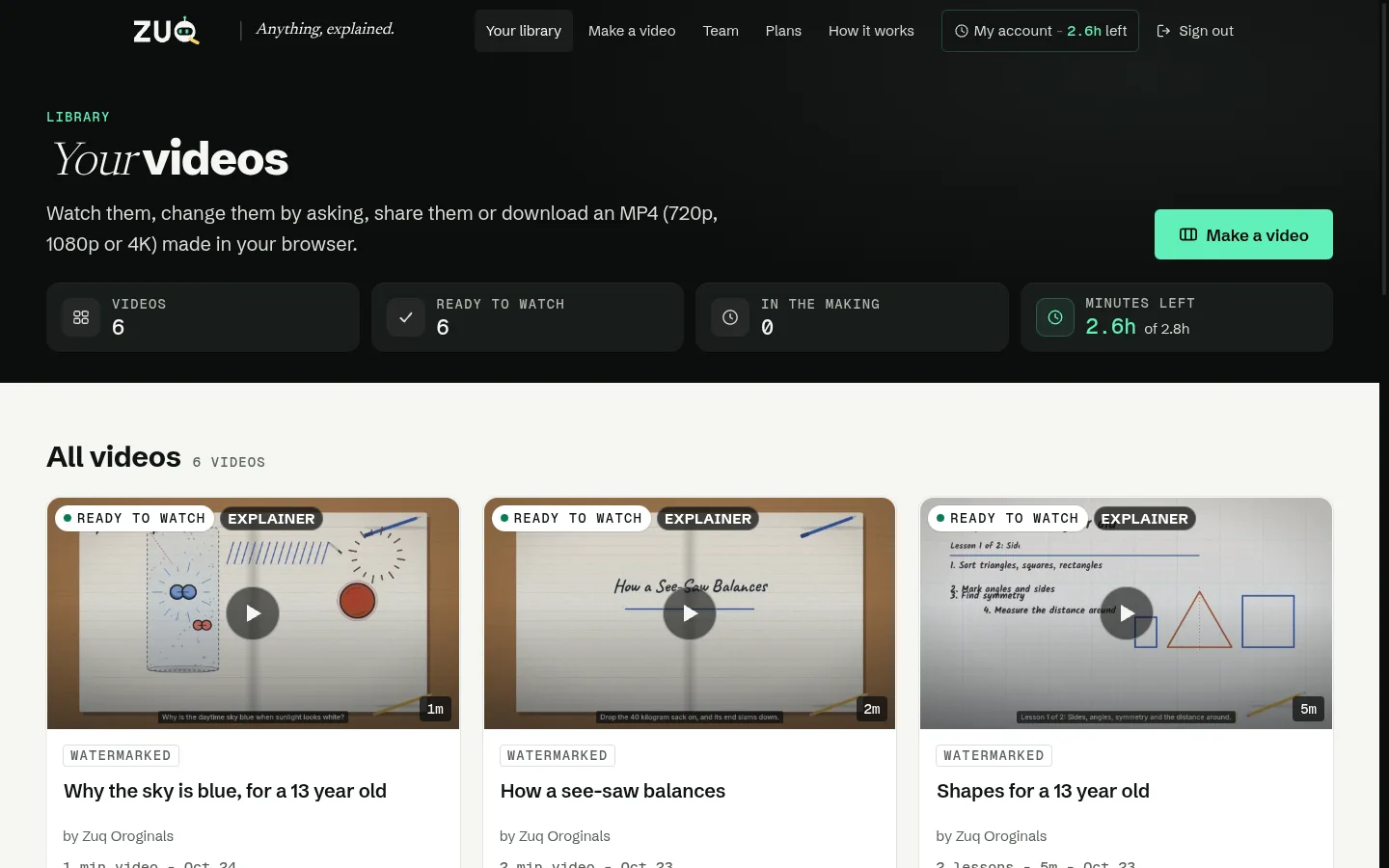
A typical video is ready to stream a minute or two after you press Make. Every video you make is listed in Your library, newest first, and is private to your account until you share it.
Questions
Do I need to install anything?
No. ZUQ runs in your browser. Downloading an MP4 needs a desktop Chromium-class browser; watching works everywhere.
Does my first video cost anything?
No. The Free plan includes 10 minutes of video a month. A video spends the minutes it runs for, and if a build fails its minutes are refunded.