Docs - Watching and sharing
Sharing and privacy
In short
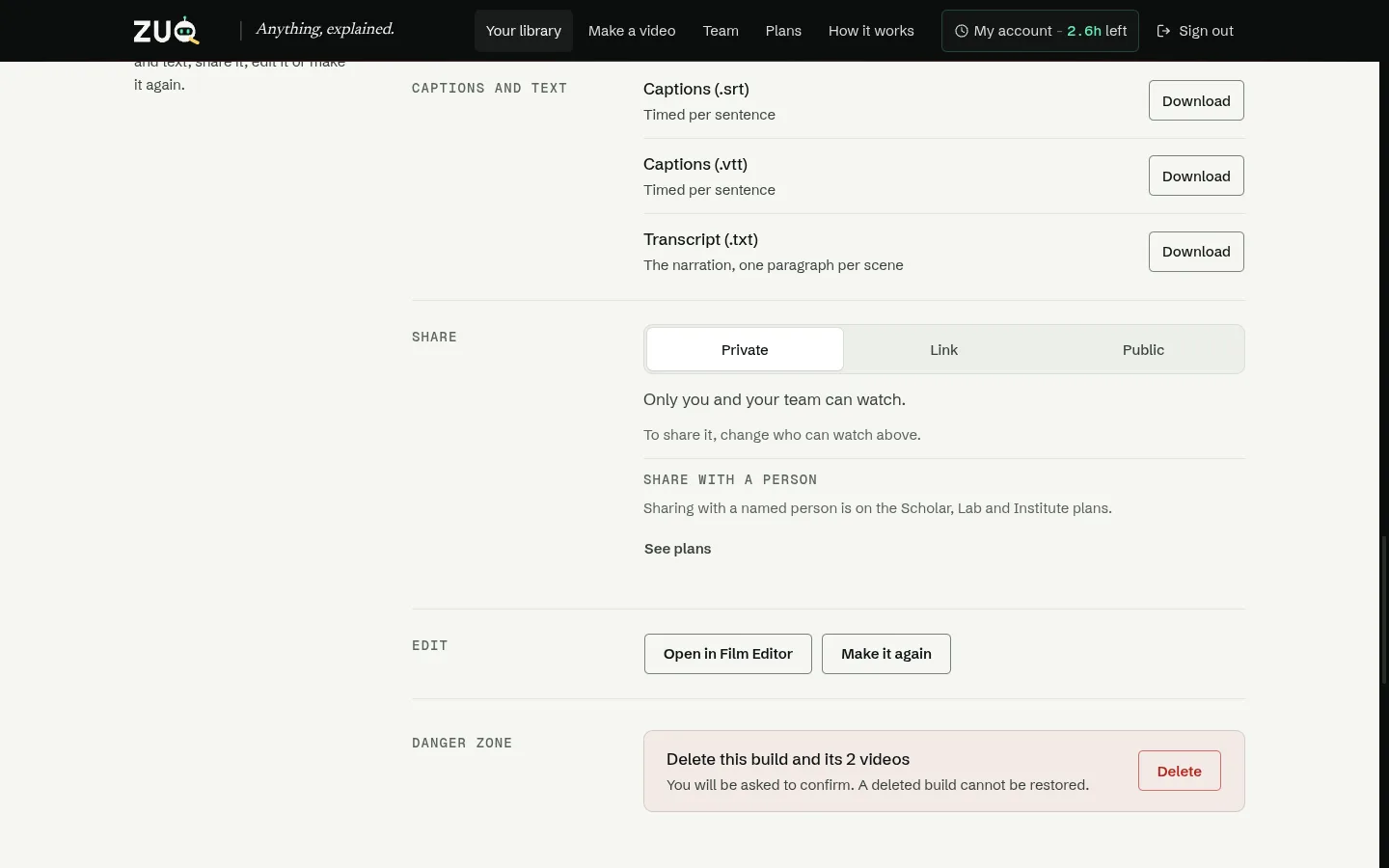
Every video starts Private: only you and the team on your account can watch it. To share it, change who can watch in the Share section: Link lets only the people you name by email watch, after they sign in; Public lets anyone with the link watch.
Updated
Sharing with named people is on the paid plans (Scholar, Lab and Institute). Every plan, Free included, can set a video to Public.
The three settings
- Private (the default): only you and your team can watch. There is no link to share.
- Link: only you, your team and the people you name can watch. They sign in with the email address you invited.
- Public: anyone with the watch link can watch it, and you can post it to a social network.
Share with named people
- Open the video and go to Share in Tools.
- Set who can watch to Link.
- Under Share with a person, type an email address and choose Invite. They are emailed the watch link.
- Choose Copy link if you want to send the link yourself too.
Set a video to Public and post it
A public video is watched on zuq.si, on its own watch page. It cannot be embedded on another site: embedding is off on every plan.
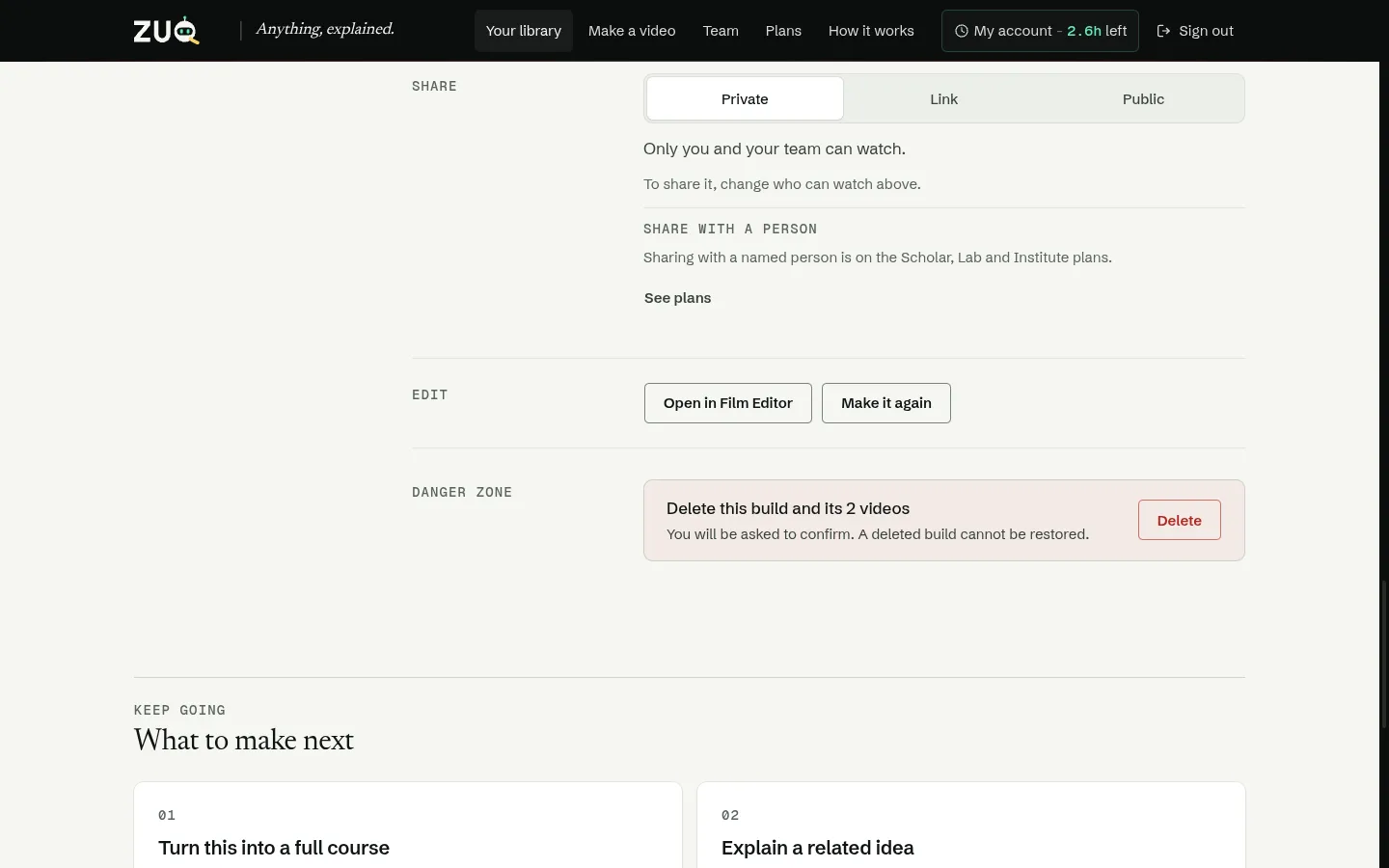
- In Share, set who can watch to Public.
- Choose Copy link to copy the watch link.
- Or choose Post, then X / Twitter, Facebook or WhatsApp.
The watch page
A shared video opens on a watch page at /v/ followed by a short code. It shows the player and the title; a course also shows its lessons, the next lesson and what you will learn. Someone who is not allowed to watch sees one refusal that does not reveal the title or whether the video exists.
Take access back
The video file is served through a check made each time it is requested, so revoking access takes effect for the next request, not only for new visitors.
- To remove one person, choose Revoke next to their address.
- To stop everyone, set who can watch back to Private.
Questions
Who can see my videos by default?
Only you and the people on your team account. Every video starts Private.
Can I share privately on the Free plan?
No. Sharing with named people is on Scholar, Lab and Institute. On Free you can keep a video Private or make it Public.
Can I embed a video on my website?
No. Embedding is off on every plan. Share the watch link instead; the video plays on zuq.si.
Do viewers need an account?
For a Link video, yes: they sign in with the email address you invited. For a Public video, no.
Can I share a whole course?
Yes. Sharing applies to the whole build, so a viewer of a shared course sees every lesson.