Docs - Account and billing
Teams and seats
In short
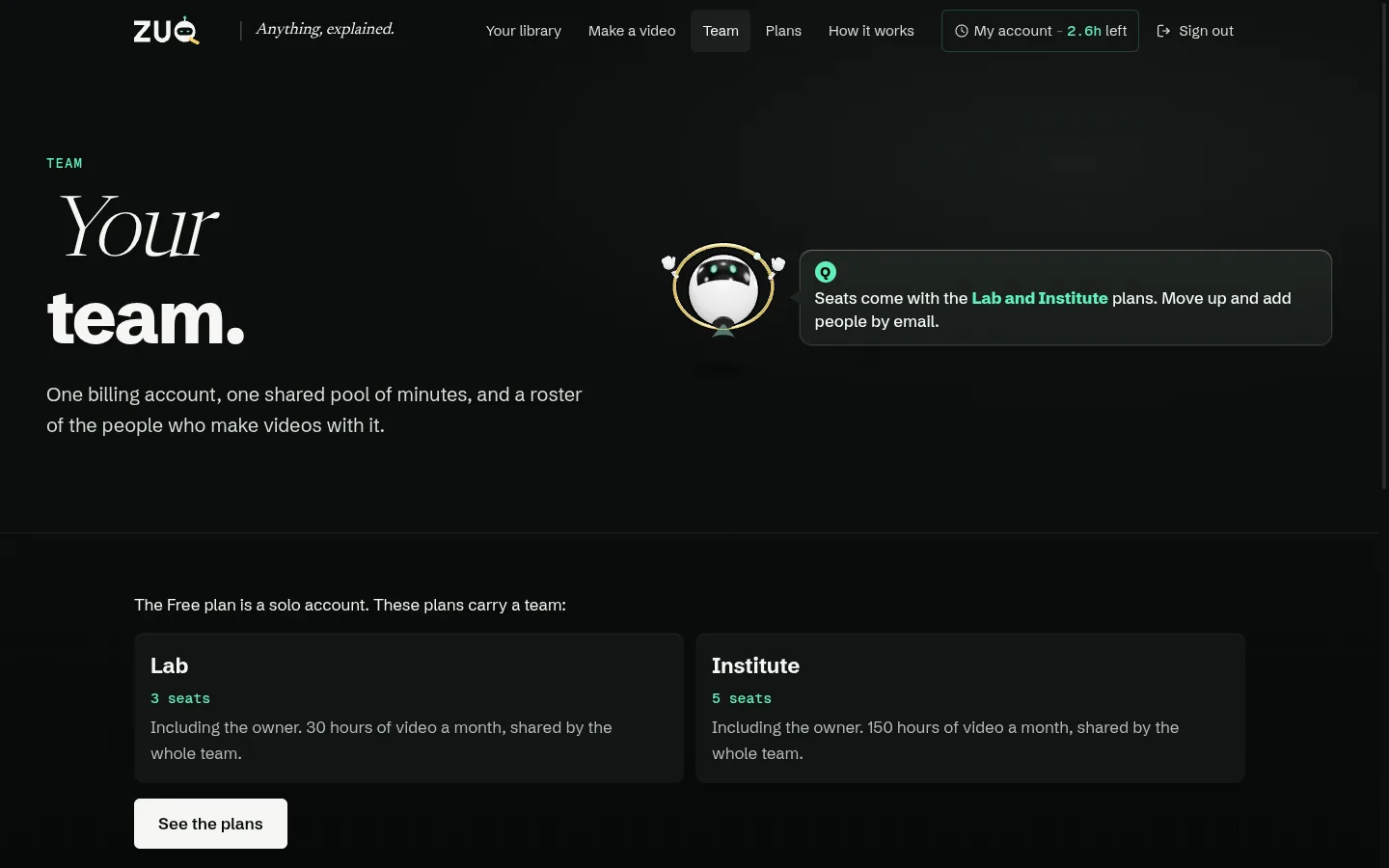
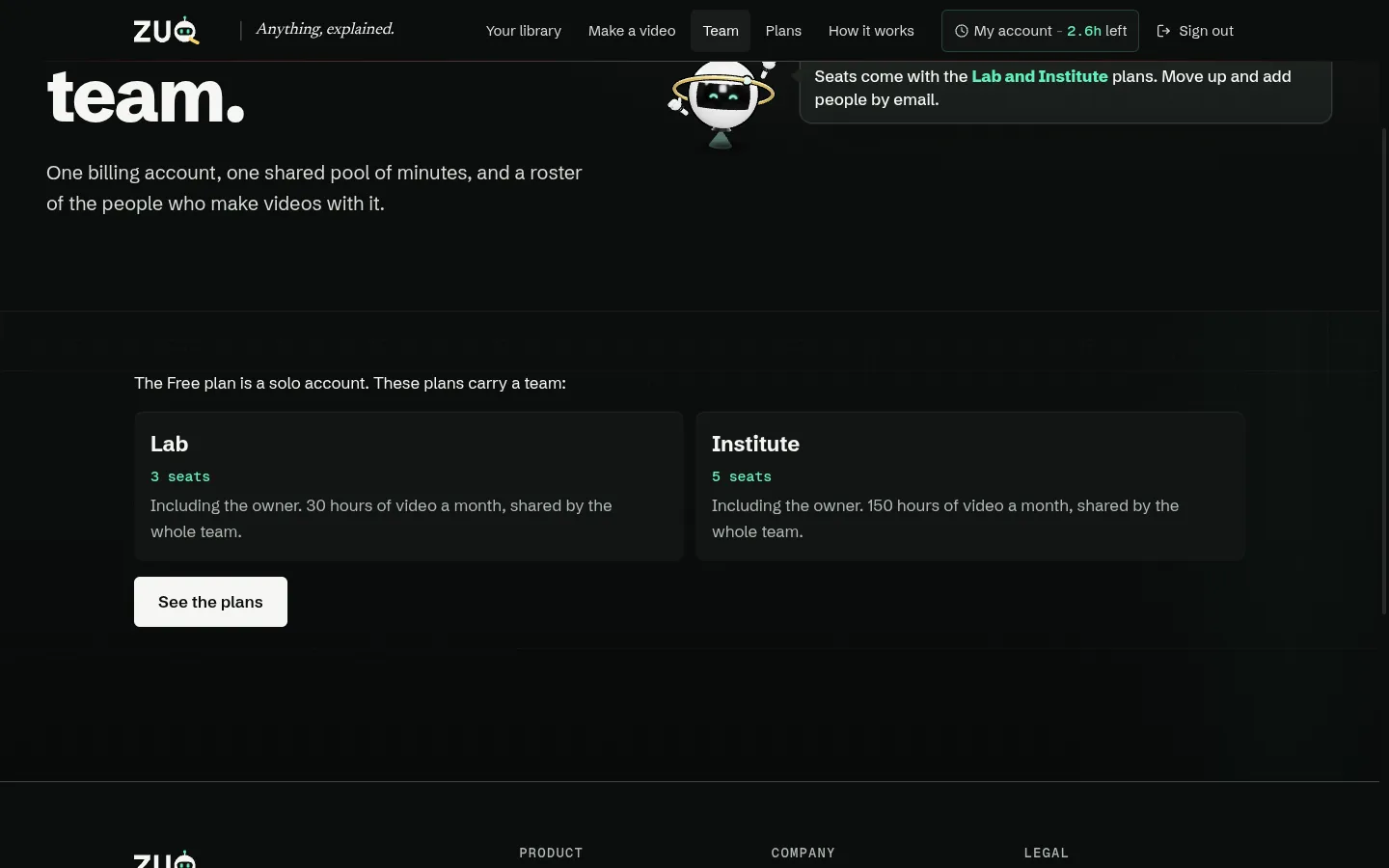
A team is one billing account with several seats. Lab has 3 seats and Institute has 5 seats, counting the owner. Everyone on the team spends one shared pool of minutes and sees every build in the library.
Updated
The account owner manages the team on the Team page, at /team.
What a team shares
- One pool of minutes: the plan's monthly allowance and any top-ups, spent by everyone.
- One library: every member sees every build on the account.
- Private videos: a Private video can be watched by everyone on the team.
Add someone to your team
- Sign in as the account owner and open the Team page.
- Under Add someone, type the person's email address in Email to reserve a seat for.
- Choose Reserve seat. The seat is held for that address and they are emailed an invitation.
- They claim the seat by creating an account, or signing in, with that same email address.
Remove someone
The seat is free again for someone else.
- On the Team page, find the person in the Roster.
- Choose Remove, then confirm in the strip that replaces the button.
Get a team
Teams are on Lab and Institute. On a solo plan, the Team page says which plans carry seats. Change plan on the plans page; seats are available once the payment is confirmed.
Questions
How many people can share an account?
Lab has 3 seats and Institute has 5 seats, including the owner.
Who can add or remove people?
Only the account owner.
Do team members have their own minutes?
No. Everyone spends the one pool on the owner's account, and everyone sees the same meter.
Can members see each other's videos?
Yes. Everyone on the account sees every build in the library, including Private videos.